
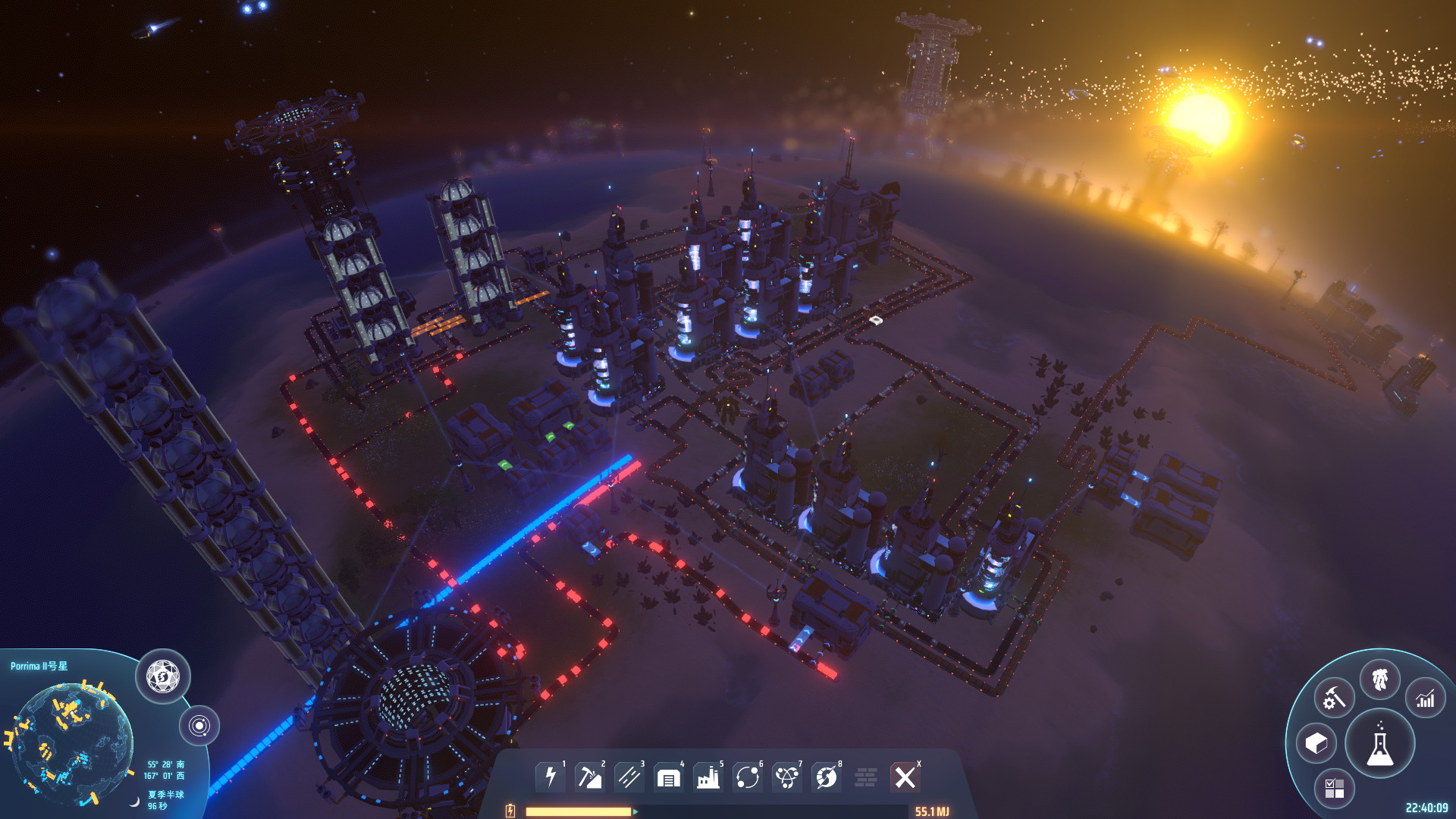
As your factory spreads across Dyson Sphere Program, finding a particular resource site or logistics hub becomes harder. Holo Beacons mark those places, and their integrated Memos record what an area does or what you plan to build there. Both features have been available since the January 2026 update.
Place a Beacon at a specific location you want to find again. For plans covering a whole planet, use a Memo in its information panel as well. This distinction helps when you manage many facilities: a Beacon points you to a site, while a planet Memo gathers the broader tasks.
Mark and Describe a Production Area
Place a Holo Beacon, once available to you, where a marker will be useful later: at a resource site, beside a logistics hub, or in a large factory zone. The developers specifically suggest resource points and factory areas. Use its integrated Memo to record what supplies the site and what you plan to do next.
For example, your own note could read: “Input: ore from north field; expand processing here; check outgoing transport.” When you return, look for the marker in Planet View or on the Starmap.
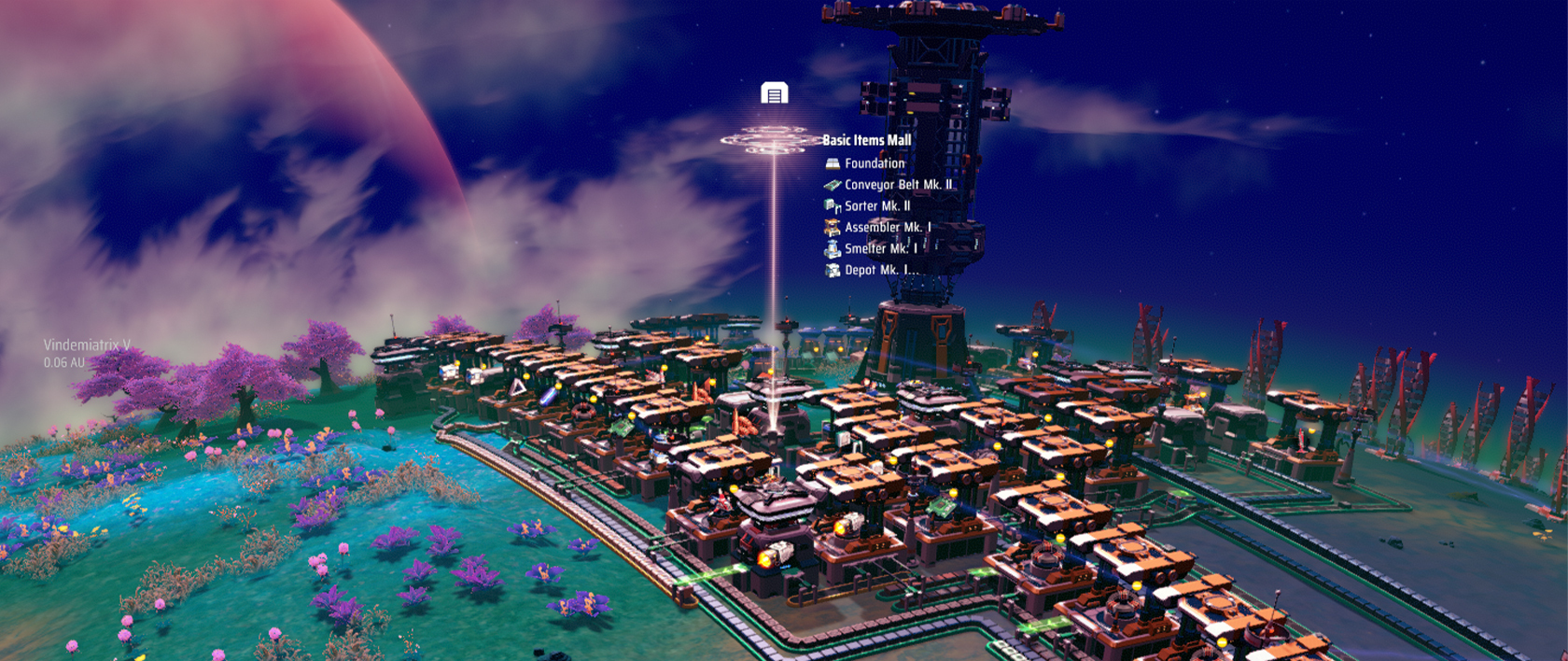
Image: Youthcat Studio / Gamirror Games · Source
If a placed Beacon is missing from the Starmap, check its power supply. The Japanese community wiki says an unpowered Beacon disappears from the Starmap but remains visible in the Control Panel. That can help you recover a provisional marker for a resource site or future construction area.
Keep Planet Plans in Memos
For a plan covering a whole planet, open the information panel for a planet with factories in the Starmap and use its Memo tab. A later update also added Memos to the Planet (Planetary System) Information Panel. You can use these notes to track which factory areas still need supplies.
Memos support checkboxes, icons, and text colors. Blueprint descriptions can also explain a design’s inputs and outputs before you reuse it elsewhere. For some text fields, including Memos, Ctrl+Z is documented for undo and Ctrl+Y for redo.
Optional Beacon Functions
An experimentally introduced link can synchronize a Holo Beacon’s color with a Traffic Monitor. When both share the same IP address, the Beacon can receive the Monitor’s color signal. You do not need that connection for location markers or notes.
Combat mode also offers Dark Fog Beaconing. Activating it causes Dark Fog Hives to send Relay stations to the Beacon’s location. For this function, the Beacon must maintain power and have visibility set to at least Local Planetary System. If you only want a factory marker, leave Dark Fog Beaconing off.
Sources
- store.steampowered.com
- steamstore-a.akamaihd.net
- steamstore-a.akamaihd.net
- steamstore-a.akamaihd.net
- steamstore-a.akamaihd.net
- steamstore-a.akamaihd.net
- steamstore-a.akamaihd.net
- www.bit-tech.net
- wikiwiki.jp
Cover Image: Youthcat Studio / Gamirror Games · store.steampowered.com
Comments
No comments yet. Start the conversation.
Join the Community
Sign in or create a free account to comment. Comments are moderated.