
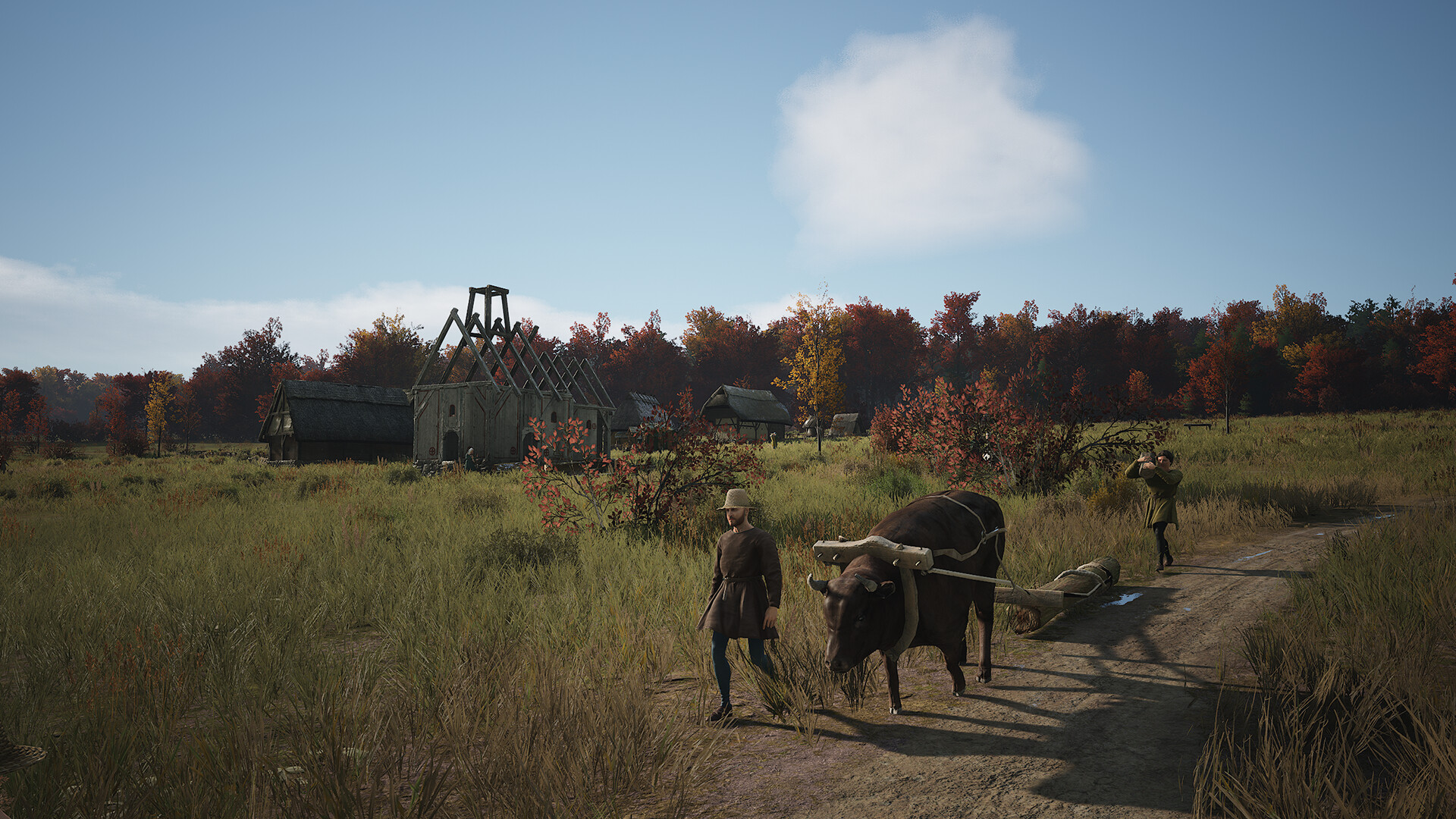
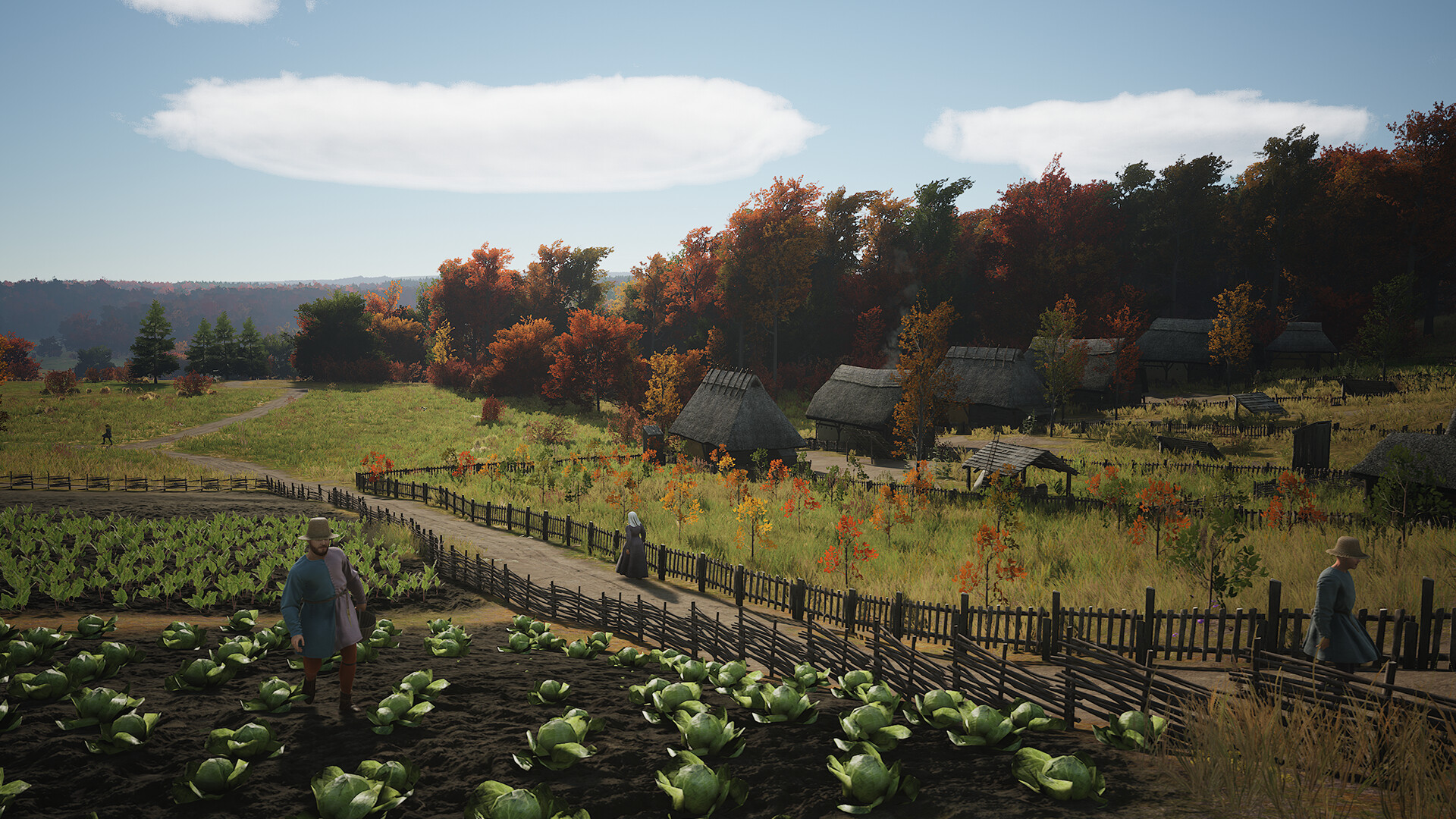
Manor Lords beta 0.8.110, released in September 2026, tests mandatory crop rotation, a dung-to-fertilizer chain, and six Rural Foundations perks. Follow-up hotfix 0.8.111 addressed specific problems harvesting late-sown or large fields and displaying field tasks. This guide covers the developer’s Steam beta route on Windows if you want to try those changes.
Back up your existing saves before switching branches, and remove mods as the developer advises for this beta. A separate copy preserves your starting point while you play in the test branch. Avoid overwriting the only unchanged copy of a campaign: switching Steam back to its normal branch does not guarantee that a save written by the beta will work in an older build.
Back Up Your Windows Saves
The correctly separated save path appears in an older official Steam post. The 0.8.110 beta announcement separately recommends backing up files before changing branches.
- Close Manor Lords completely. Press Win + E to open Windows File Explorer.
- Paste
%USERPROFILE%\AppData\Local\ManorLords\Saved\SaveGamesinto Explorer’s address bar and press Enter. Use the address bar rather than the search box. - Copy the saves you need into a separate backup folder outside that SaveGames folder. Check that the copied files are present in the destination.
- Record your previous game version and mod setup. Remove mods before testing; the developer warns that they are likely to cause crashes.
Select the Steam Test Branch
These English menu labels follow the developer instructions and Valve’s current Steam documentation. veryNiceBasket is the publicly supplied beta access code; enter it with the same capitalization.
- Open Steam and right-click Manor Lords in your Library.
- Select Properties and open Game Versions & Betas; the developer instructions call this tab BETAS.
- Enter
veryNiceBasketin the beta access code field. - Choose
pre_releasefrom the Beta participation list. - Wait for Steam to update the game files. If nothing happens, restart the Steam client.
- Launch Manor Lords and check the displayed version before testing.
Test Separately and Return to the Normal Branch
Use a separate test save and decide what you are checking. For example, after the hotfix you could observe whether a large field sown late can be harvested and whether its displayed task matches the work underway. Record the version, season, field state, and mod status. The hotfix lists specific fixes; it does not establish that every farming issue is resolved.
To return, select the normal branch without a beta under Steam’s Beta participation setting and wait for the files to change. If needed, use your unchanged backup that matches your starting version. Do not assume that a save newly written in the test branch will work in an older normal build.
If a problem persists, provide reproducible steps, the version, and your mod status in the official Steam bug report forum. The developer also points players to its Discord for feedback.
Sources
- steamstore-a.akamaihd.net
- steamstore-a.akamaihd.net
- steamstore-a.akamaihd.net
- store.steampowered.com
- steamstore-a.akamaihd.net
- partner.steamgames.com
Cover Image: Slavic Magic / Hooded Horse · hoodedhorse.com
Comments
No comments yet. Start the conversation.
Join the Community
Sign in or create a free account to comment. Comments are moderated.