
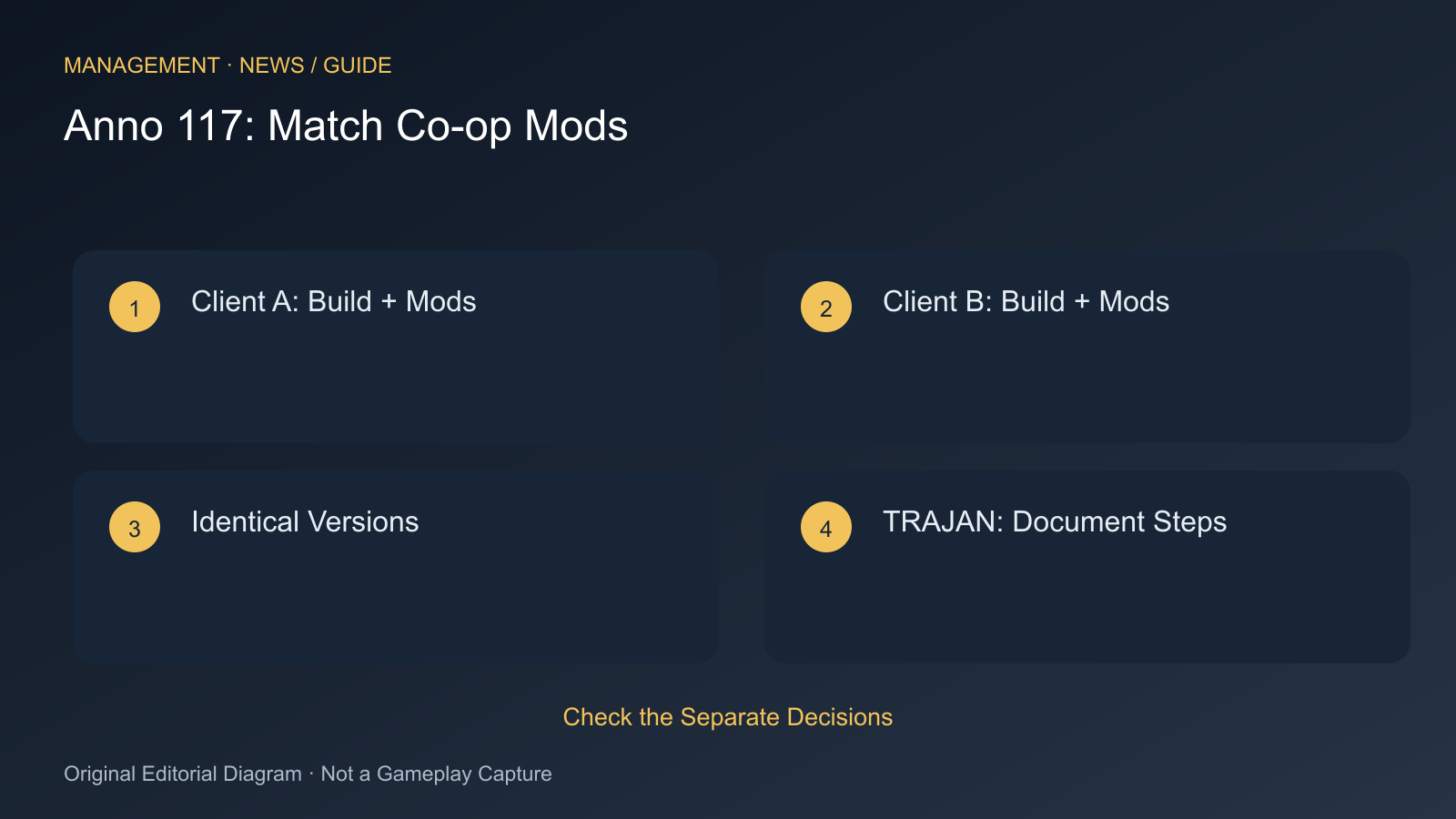
Anno 117 simulates the world on every participant’s computer. If a mod changes values or processes differently for one player, the results can diverge. Ubisoft describes this as a cause of desyncs and identifies TRAJAN as the corresponding error.
This procedure applies to the PC version with mods. It does not guarantee that every desync is caused by a mod. An error in an unmodified session must be investigated separately.
Before Joining
- Back up the shared campaign and keep a copy separate from the running session.
- Compare every participant’s game build. The same base game with different patches is not yet a common starting point.
- Compare the complete active mod list and versions. Matching names alone are insufficient after a mod update.
- Remove unwanted differences and restart with the same configuration.
- Create or load the co-op session with that common version and invite the other participants.
The check introduced in August is intended to detect mismatched mods at launch or when joining. If an invitation is missing or joining is prevented, repeatedly sending a new code does not resolve a mod mismatch. First make the lists and versions identical.
If the Session Diverges Later
Record when the error begins and the action immediately preceding it. Include the build and mod list in your report. Where possible, compare a separate unmodified game. Do not simply remove mods from your only ongoing campaign when their content has become part of its save.
Ubisoft also identifies trainers and other interventions in game state as possible causes. Shared desired changes should use an identical mod setup for every participant. Changing only one computer’s state can break synchronisation again.
The official advice distinguishes modified desync reports from unmodified game reports. If a clean comparison session produces the same error, document that difference precisely. “Multiplayer doesn’t work” provides too little information to distinguish mod versions, game patches and connection problems.
Sources
Cover Image Source: steamstore-a.akamaihd.net
Comments